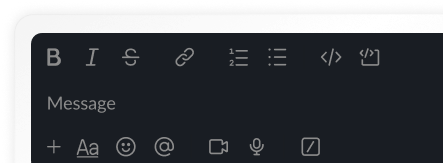
Secure Client–Team Chat With Built-In Boundaries
A messaging system built with separation, clarity, and control at its core. Team chats stay internal, client chats stay focused, vendor chats stay isolated, and every conversation connects back to your projects, tasks, and workflows. Communication finally feels organised instead of scattered.
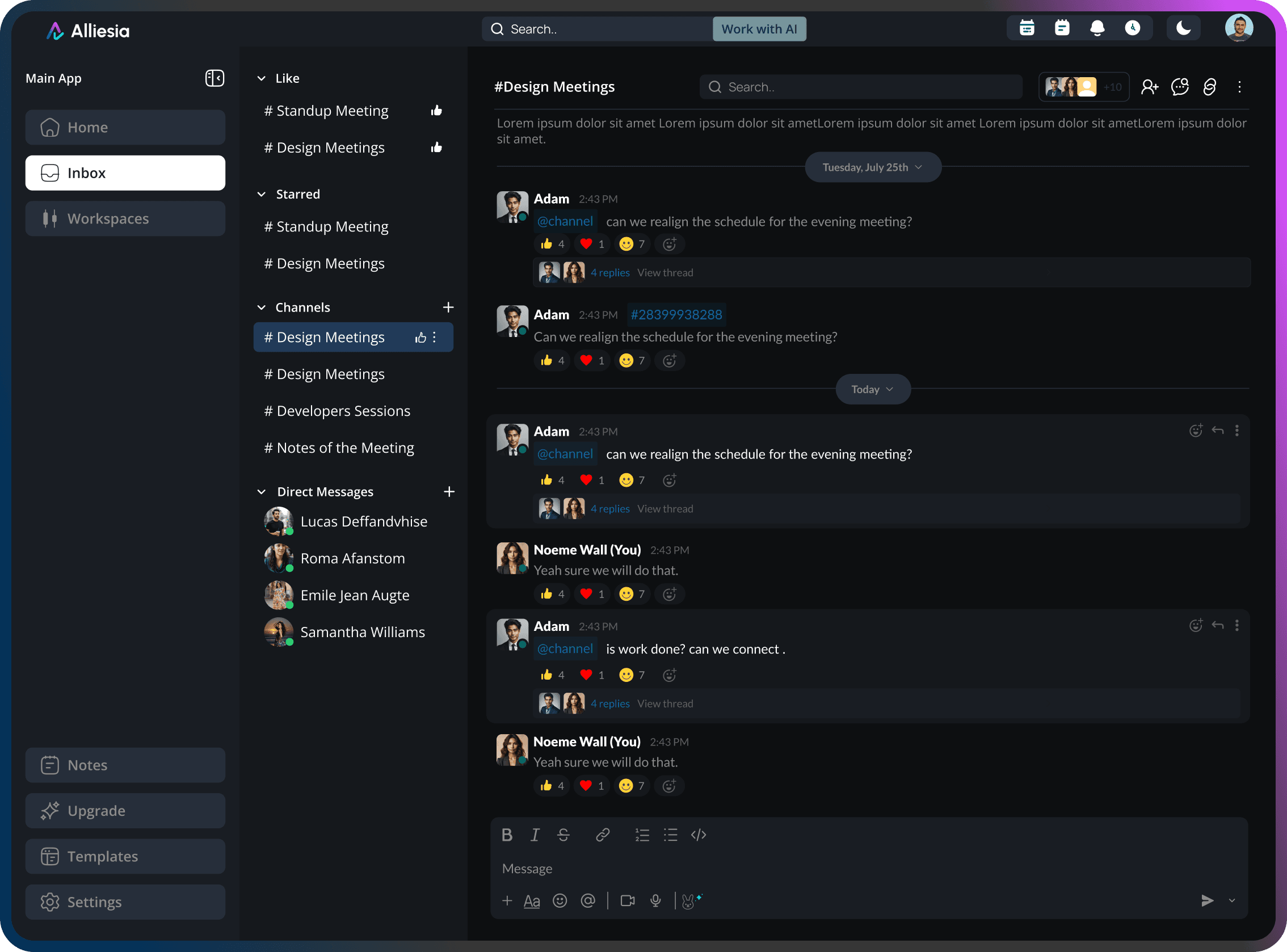
Chat That Understands Projects, Not Just Messages
This workflow makes conversations structured from the moment they begin.
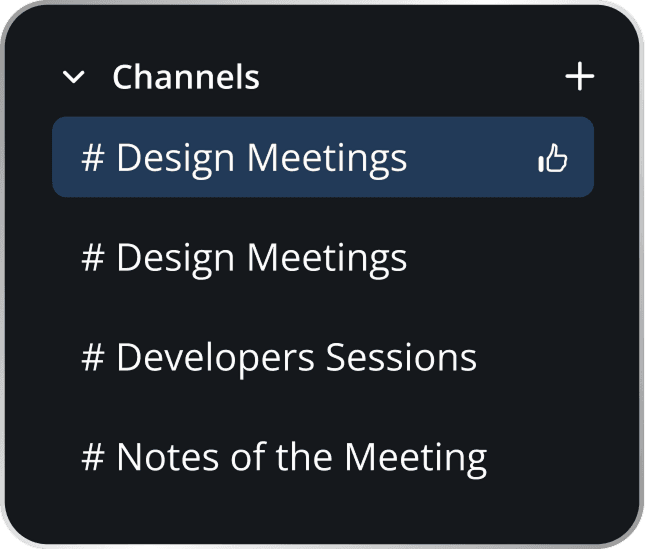
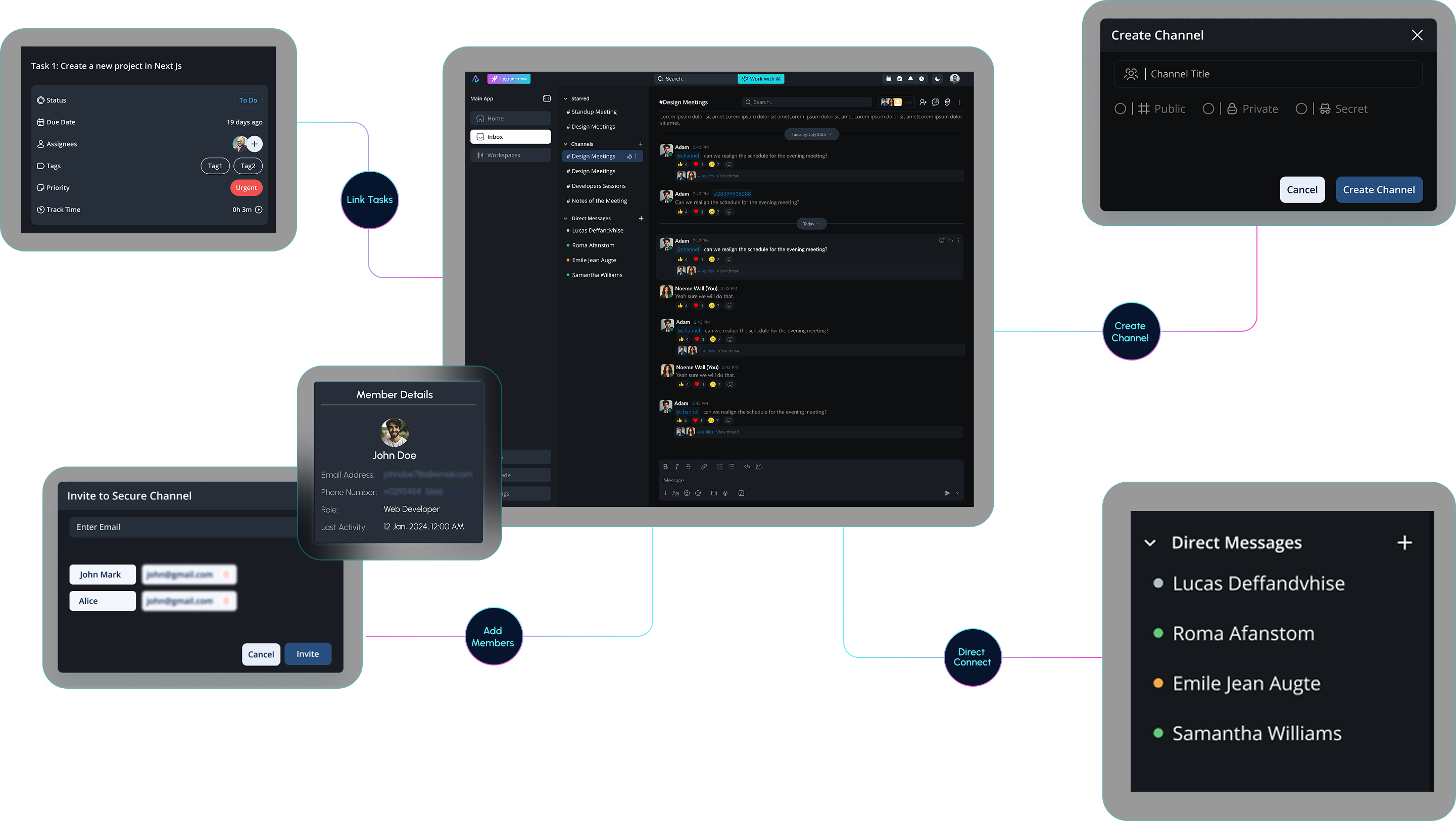
Choose where the chat lives
Start a channel inside a workspace: internal, client-facing, or vendor-only.
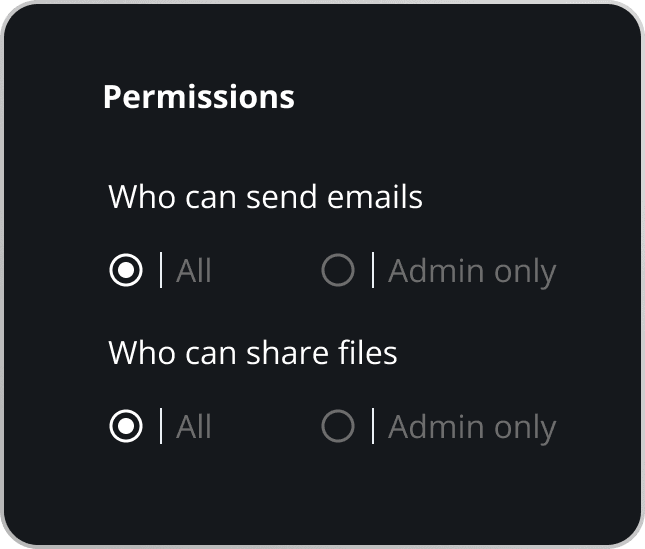
Set who gets visibility
Add members with role-based access so the right people see the right threads.
Link messages to work
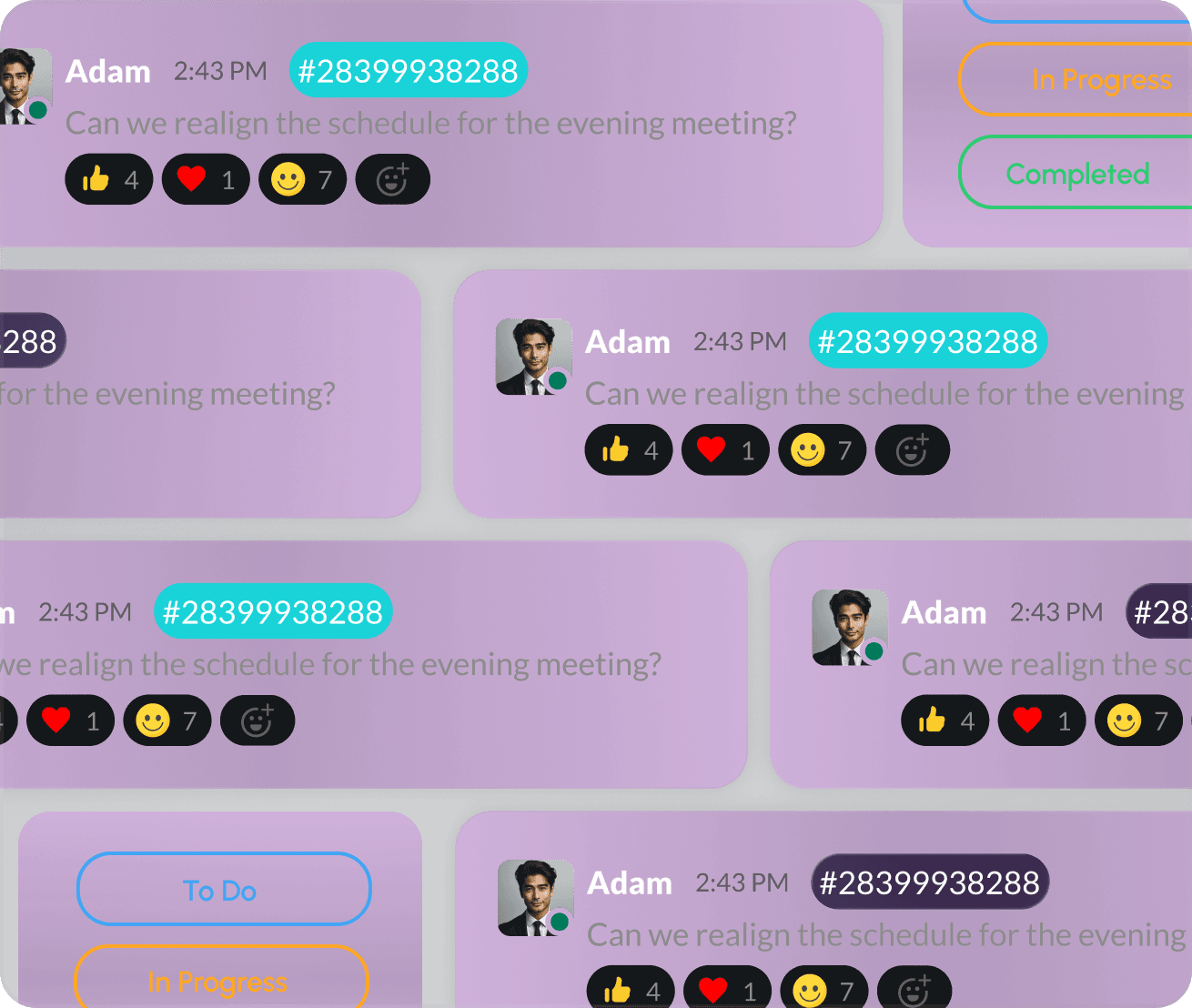
Turn chats into tasks, attach files, or reference boards instantly to keep everything connected.
Channels Designed to Keep Conversations in the Right Place
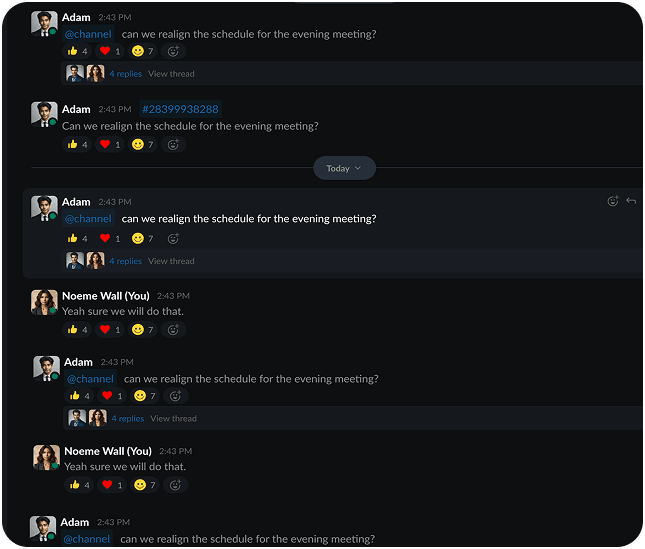
Each channel has its own visibility rules, preventing cross-talk and avoiding accidental exposure of sensitive information. Conversations stay clean, separated, and easy to track. Not every conversation belongs in the same room — and this system ensures they don’t. Create:
- Internal channels for team-only discussions
- Client channels where updates stay aligned and controlled
- Vendor channels for safe third-party collaboration
AI That Turns Chats Into Action and Clarity
Ask AI to recap a day’s worth of discussions, pull out pending items, or explain what changed since yesterday — and it delivers instantly. Your team chats with freedom while AI maintains structure. AI follows the rhythm of your conversations and keeps them organised without manual effort.
It can:
Extract decisions and action points
Highlight blockers and delays
Summarise long threads

Private DMs That Stay Connected to the Work
Organize your workspace with dedicated channels for teams, projects, or clients. Send private DMs for quick chats — everything stays synced and searchable.
Private DMs That Stay Connected to the Work
Direct messages keep one-to-one conversations fast and focused, but never disconnected. Turn a DM into a task, attach a file to a work item, or reference boards without leaving the chat. Every message can be linked back to a project so nothing important gets lost in private threads.
Zoom Meet

Special Channels
Custom Options
Reactions

Uploads

Mentions
Make A Task

Voice Notes