Project Management That Doesn’t Slow You Down

Most tools make you “manage” work. This one makes you move work.

Spaces structure your world, Boards simplify your flow, and AI quietly keeps everything running. Tasks stay updated. Details stay fresh.

Project Management Dashboard
Workspaces Boards Views

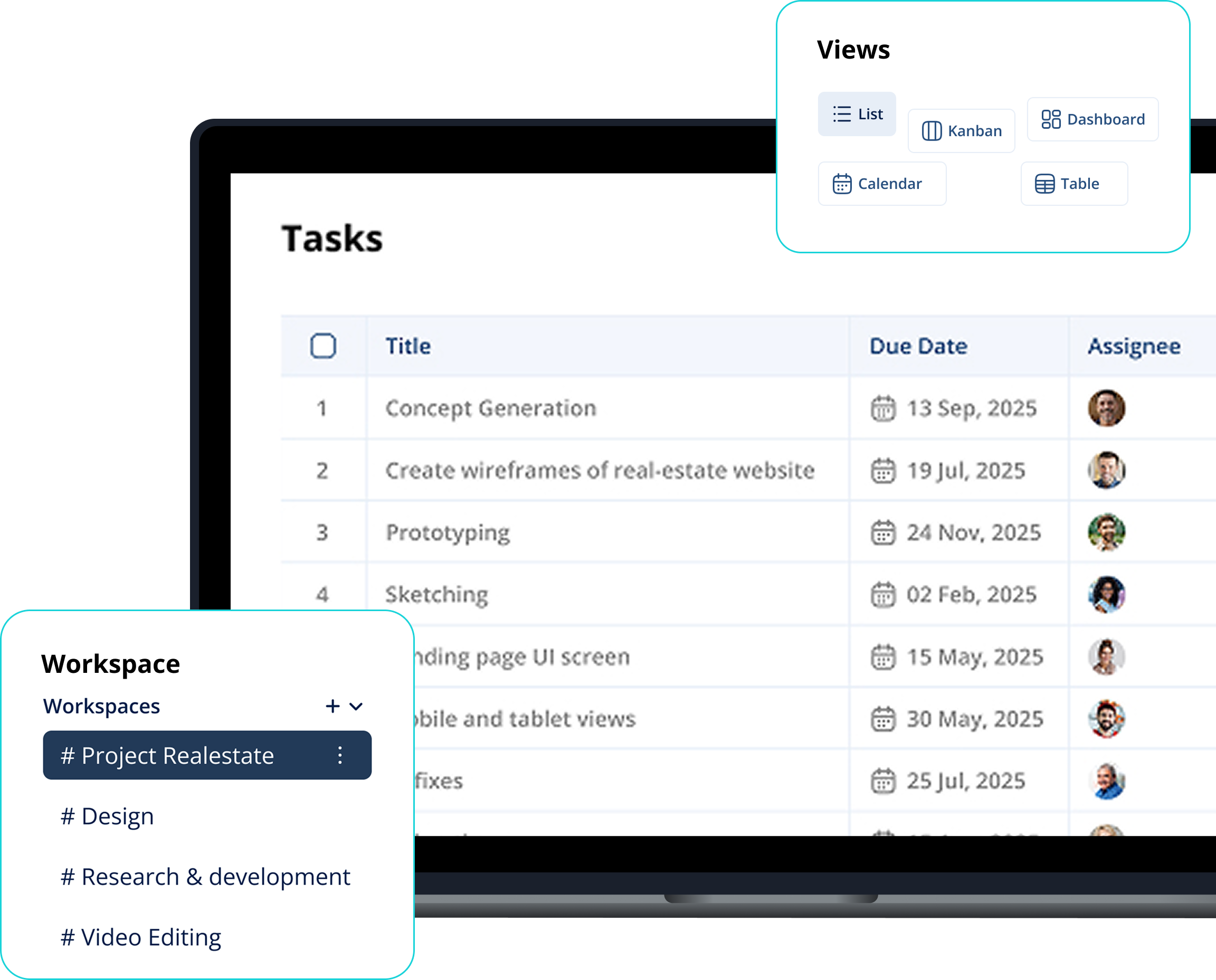
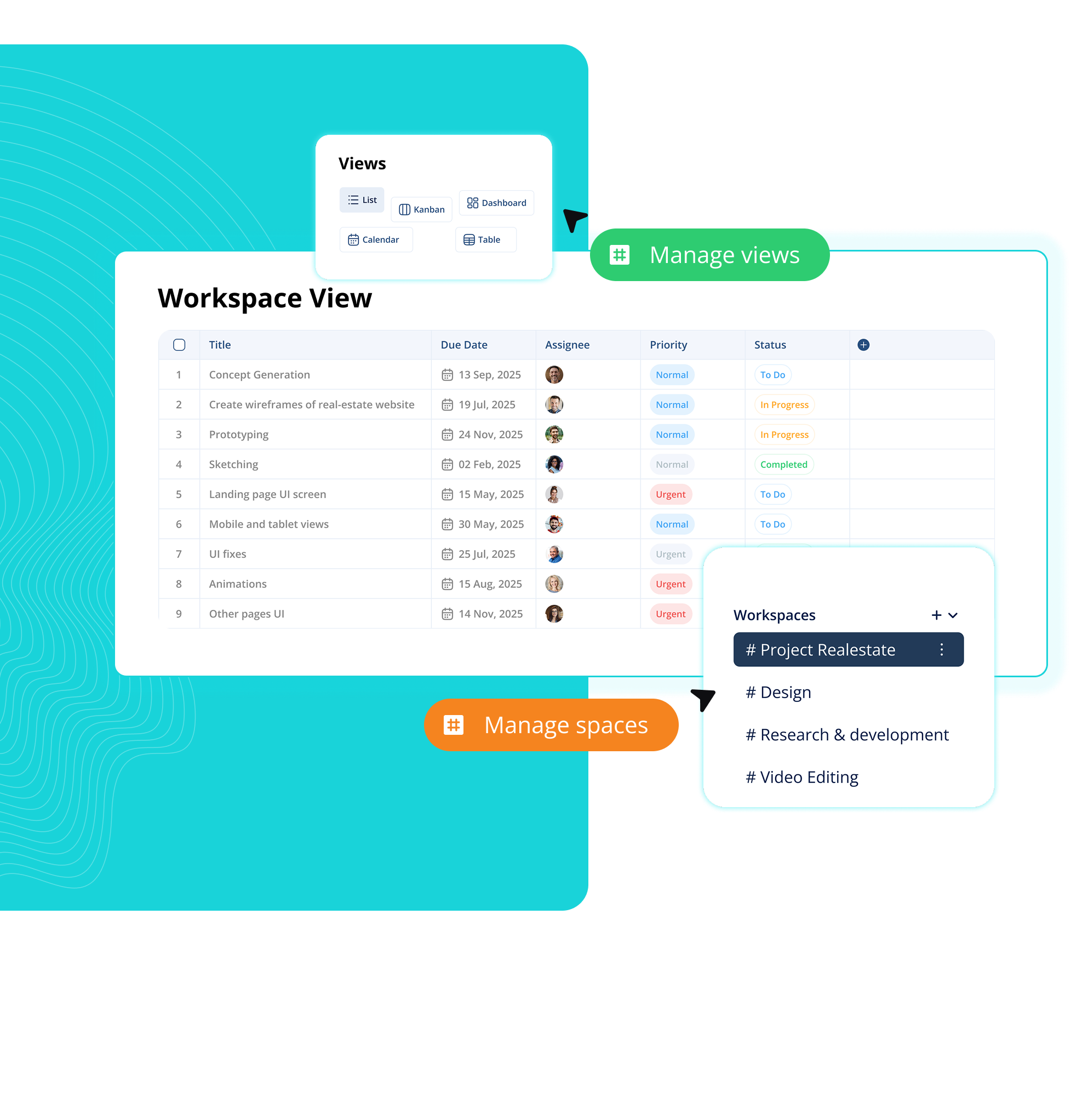
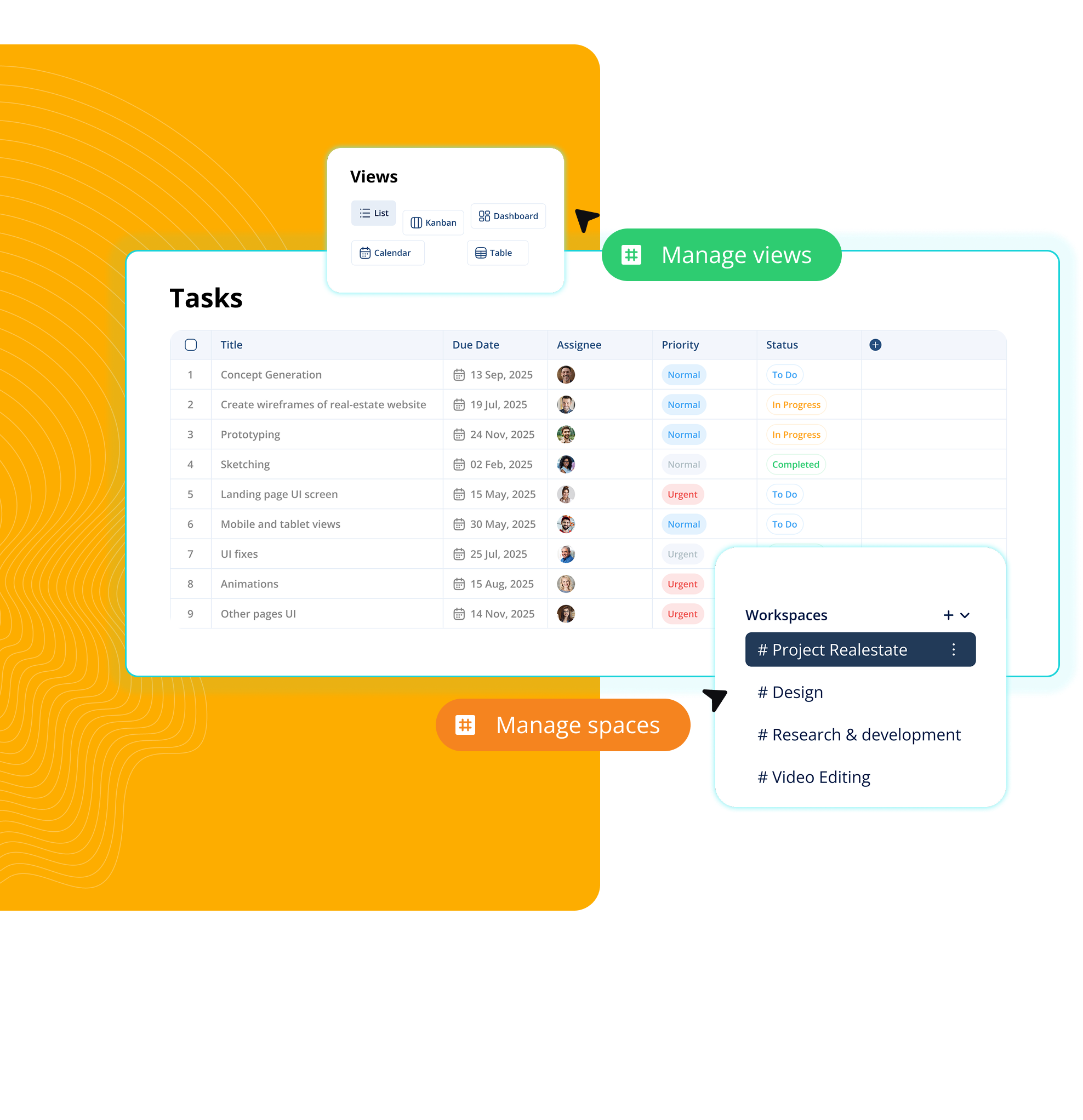
Workspaces Built for Focus, Not Noise

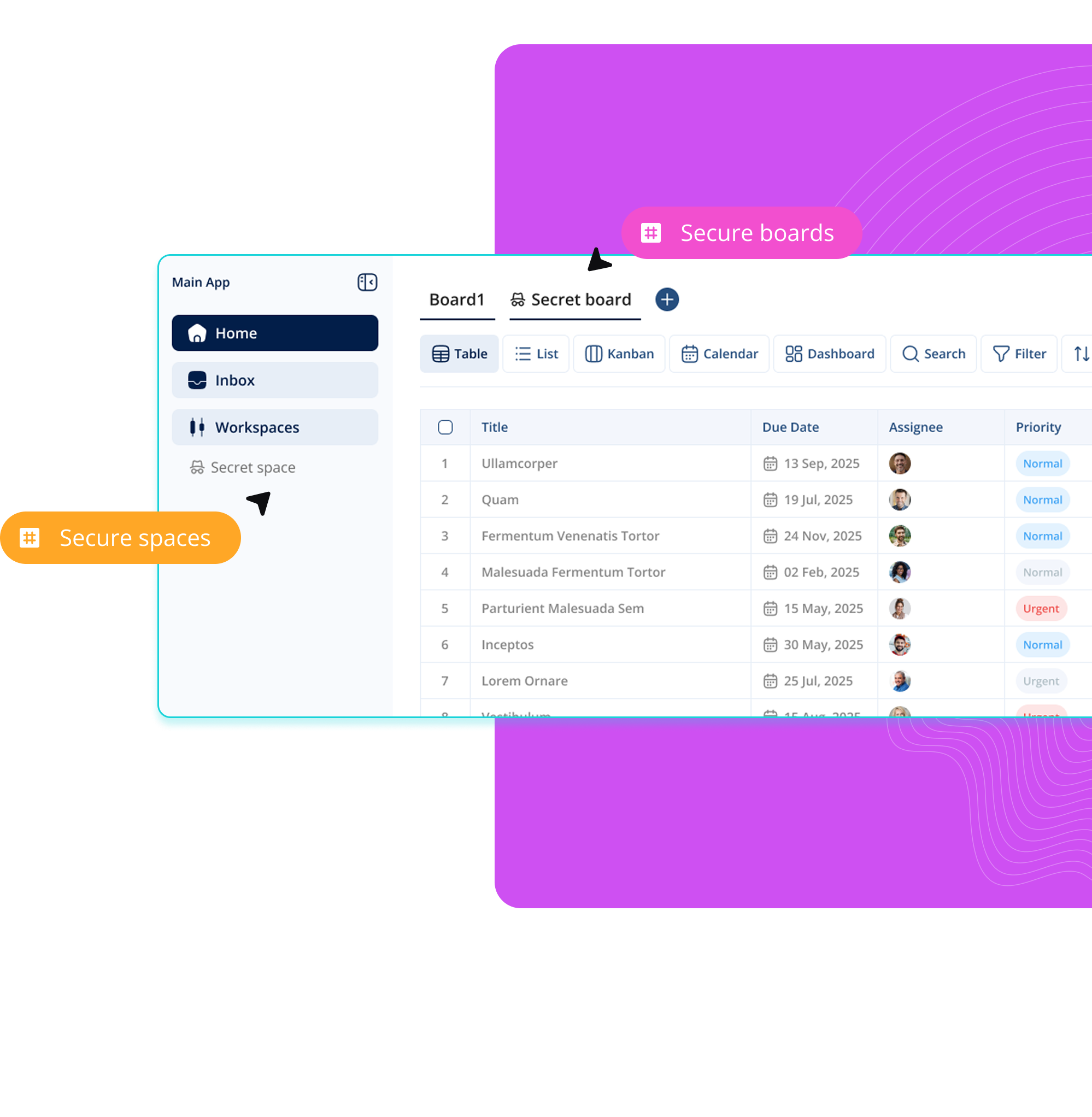
Each workspace becomes a command center for a team, a department, or a client. Projects stay grouped, permissions stay tight, and every update lands exactly where it needs to. No spillover, no mixing, no clutter. Work feels organised the moment you step in.

Workspaces Boards Views

Boards That Keep Things Organized

Your project becomes a living system. Every task has a stage, every stage has an owner, and every owner knows their next move. Drag, drop, assign, progress. Boards make execution visual and decisions effortless. You don’t hunt for information; the Board reveals it.

AI That Turns Conversations Into Progress

Ask, type, or drop a message — AI converts it into structured work. It breaks tasks into subtasks, creates descriptions, adds deadlines, and even flags what looks risky. Need a summary? It’s one click. Need a plan? It’s already drafting. AI doesn’t decorate your workflow — it drives it.

Workspaces Boards Views

Switch Views. Shift Perspective. Stay in Control.

Zoom into detail, zoom out to strategy. Board, List, Calendar, Timeline — each view reveals a different truth about your project. Nothing changes except the angle. Your tasks, dates, owners, and progress remain perfectly synced — no matter how you choose to see the work.

Workspaces Boards Views

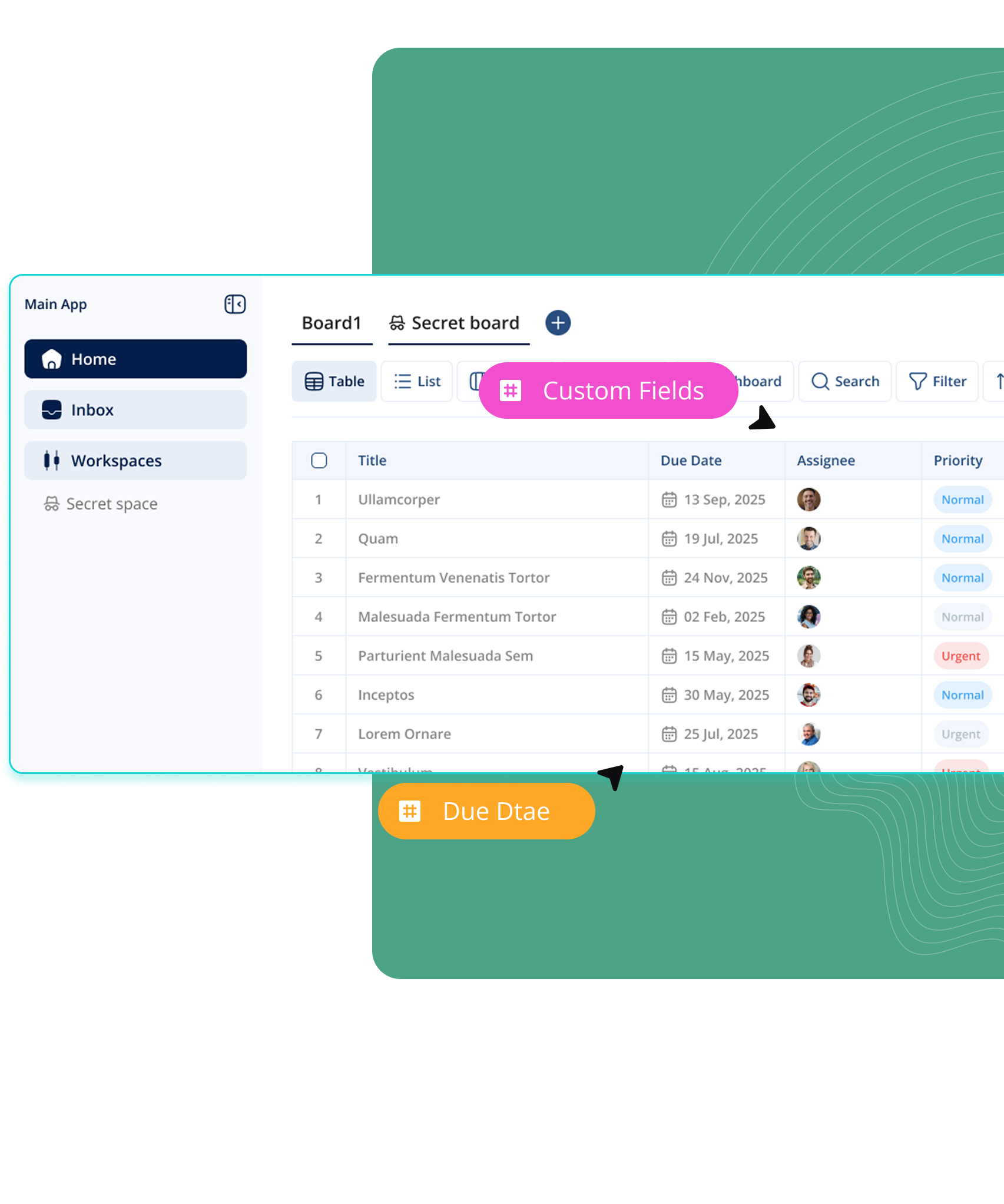
Projects Aren’t the Same. Your Fields Shouldn’t Be Either

Add the data that matters to you: effort, stage, cost, tags, client type, priority, risk level. Custom fields turn your workspace into your system — not a template someone else designed. Your workflow adapts to you, not the other way around.