Boards in Alliesia
Invite Members to a Board in Alliesia
Add team members to boards to collaborate effectively. Invite members directly from the board tab’s three-dot menu.
Inviting Members to Public Boards
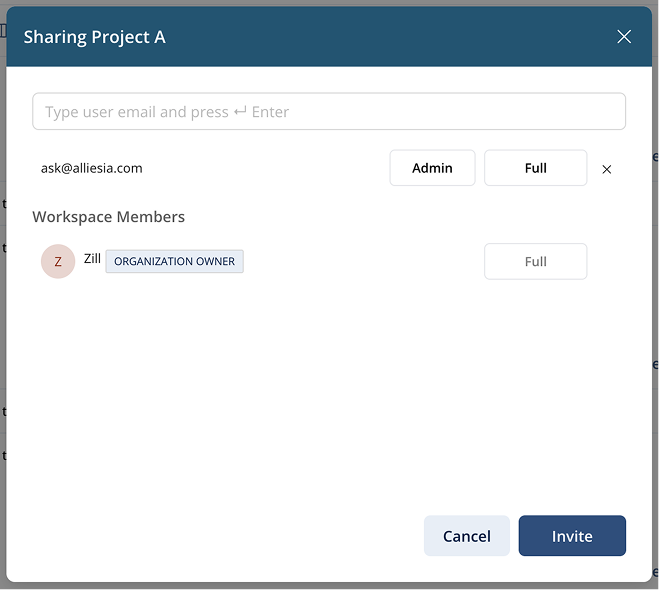
Enter the member's email in the invite modal. They gain access to all public boards in the workspace.
Inviting Members to Private Boards
Invite specific members via email. They gain access only to the private board and any public boards.
Inviting Members to Secure Boards
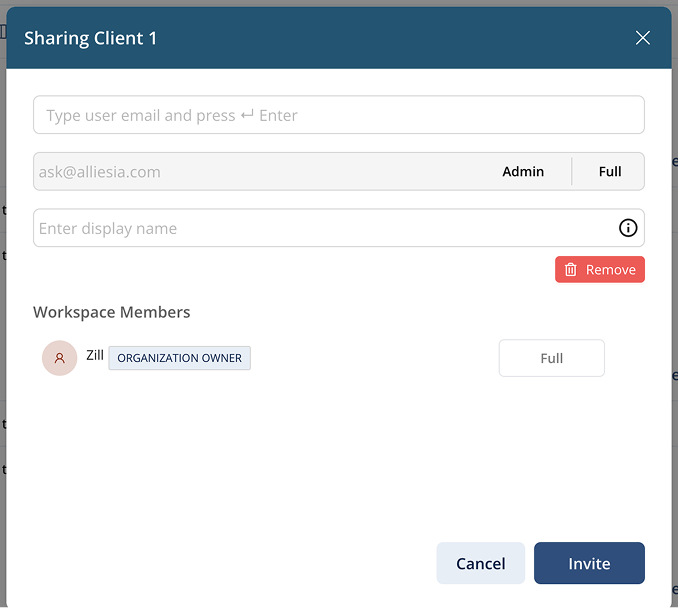
Enter email and optionally a nickname. Members can access only this secure board and cannot see other boards in the workspace.
Assigning Roles and Permissions
- Admin – full control over the board.
- Member – standard access to contribute.
- Custom Permissions – assign Edit, Comment, or View-only rights.