Channels in Alliesia
Create a Channel in Alliesia
Creating a channel allows your team to start organized conversations around projects, workflows, or topics.
Step 1: Open Channel Creation
Navigate to the board where you want to create the channel. Click the '+' icon or the 'Create Channel' option.
Step 2: Add Channel Details
Enter a clear channel name and select the channel type: Public, Private, or Secret. You may also add a description to explain the purpose of the channel.
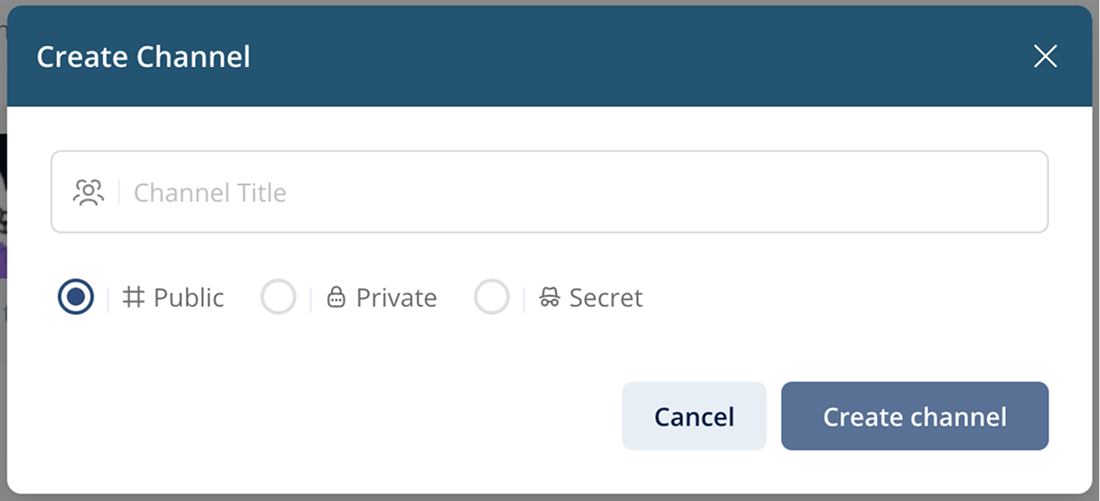
Step 3: Create Channel
Click 'Create'. Your channel will instantly appear inside the board and team members can begin collaborating.